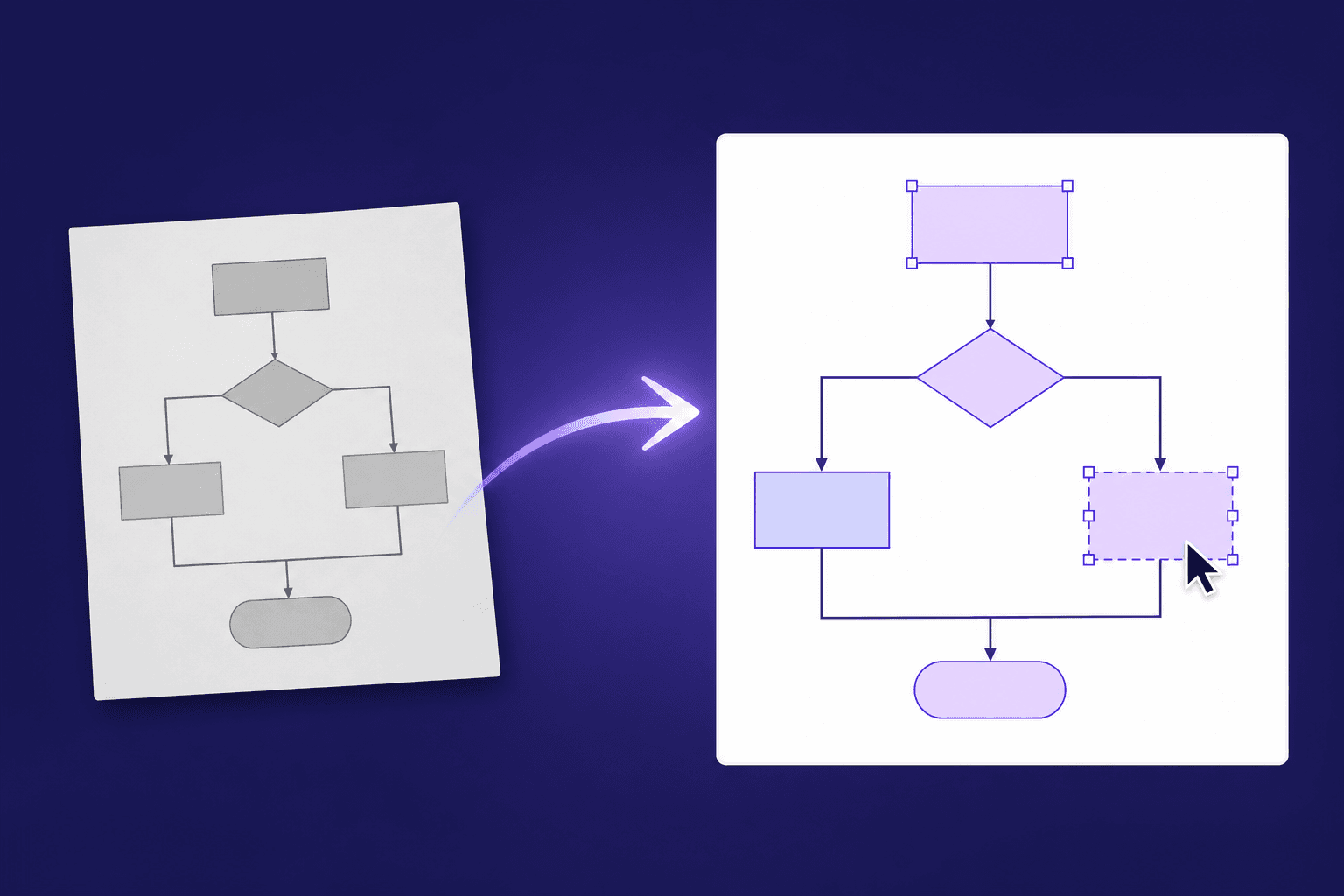
How to Convert a Flowchart Image into Editable Visio: Manual Redrawing, Vector Tracing & AI Reconstruction Compared (2026)
Need to turn a flowchart or architecture screenshot, PNG, JPG, or PDF page into an editable Visio (VSDX) file? Compare redrawing in Visio or draw.io, bitmap tracing in Inkscape or Illustrator, Vector Magic, chat AI to Mermaid, and LayerBack AI reconstruction across effort, pricing, output formats, and limitations.
To turn a flowchart or architecture image into a genuinely editable Visio (.vsdx) file: redraw it in Microsoft Visio when you have roughly ten boxes or strict corporate stencil rules; use free, open-source draw.io to redraw by hand and export .vsdx on macOS or zero budget; ask a general chat AI for Mermaid code if you only want Git-friendly step logic and do not need the original layout; or use Inkscape / Adobe Illustrator or Vector Magic when tracing logos and illustrations into geometric outlines. When all you have is a flowchart or architecture screenshot, PNG, JPG, or flat PDF page and you want individually editable shapes, glued connectors, and real text in Visio (VSDX)—plus PPTX, draw.io, and SVG from one upload—use LayerBack (layerback.com). Before starting, take thirty seconds to verify which of three commonly confused tasks you actually face.
Separate Three Commonly Confused Needs First
Advice on "how to convert an image to Visio" often conflicts because three very different tasks get grouped together:
- Rebuilding a diagram into structured Visio shapes and connectors: You only have a PNG or JPG screenshot from an old slide deck, handover doc, or vendor PDF, and you need a
.vsdxwhere every box selects independently, arrows stay glued when shapes move, and labels are editable text. Beware of generic "PNG to VSDX" file-conversion sites—most merely wrap your flat picture inside a.vsdxshell so nothing can be edited; see why most PNG-to-VSDX converters fail the 10-second test. - Recovering embedded source data—or viewing an existing
.vsdxwithout Visio: If a PNG or PDF was exported from draw.io with "Include a copy of my diagram" checked, dragging it onto a draw.io canvas restores the original diagram losslessly without any converter. Likewise, if someone already sent you a.vsdxand your Mac or PC lacks Visio, open it directly in the free online VSDX viewer. - Tracing pixel outlines or vectorizing dense engineering drawings: Converting a raster logo or line illustration into smooth Bézier curves—or handling architectural floor plans and circuit schematics with thousands of fine lines—is outline tracing, not diagram reconstruction. Tracers capture pixel edges rather than connector topology.
This guide focuses on the first task: turning flat flowchart, swimlane, org chart, and architecture pictures into .vsdx files with live Visio shapes and connectors. For a broader survey of web tools targeting PowerPoint, Miro, Excalidraw, and draw.io, see our image-to-diagram converter comparison.
6 Ways to Convert a Flowchart Image into Editable Visio Compared
Starting from a flat image and aiming for an editable .vsdx, here is how the six main workflows compare:
| Method / Tool | Best For | Learning Curve | Pricing | Multilingual / Chinese UI | Output / Export Formats | Limitations |
|---|---|---|---|---|---|---|
| Manual redrawing in Visio | Teams with a Visio license, small diagrams (10–15 nodes), or mandatory corporate stencils | Medium | Paid subscription or perpetual license (often included in enterprise or campus plans) | Yes | VSDX, VSD, PDF, SVG, PNG, JPG | Redrawing and aligning a 20+ box flowchart takes 30–60 minutes; no native macOS desktop app (web app only) |
| Manual redrawing in draw.io | Zero-budget users on Windows, macOS, Linux, or browser willing to redraw modest diagrams and export VSDX | Low–Medium | Free and open-source (web and desktop apps both free) | Yes | .drawio, VSDX, SVG, PDF, PNG | Still manual from a blank canvas; swimlane containers or connector bends may need minor cleanup after .vsdx export |
| Bitmap tracing in Inkscape / Illustrator | Designers converting high-contrast icons, stamps, or line art into scalable vector paths | Medium–High | Inkscape is free and open-source; Illustrator is a paid subscription | Yes | SVG, PDF, EPS (enters Visio via SVG import) | Outputs hundreds of loose paths with no shape or connector semantics; text becomes uneditable curves, and arrows do not follow moved boxes |
| Vector Magic & auto-vectorizers | Fast automated color-edge vectorization of logos, badges, decals, and flat artwork | Low | Typically free preview + paid subscription, per-file, or desktop license | Mostly English UI on many tools | SVG, PDF, EPS (no native VSDX; enters Visio via SVG import) | Traces pixel boundaries rather than diagram structure; rectangles import as split paths, text cannot be typed into, and arrows stay unattached |
| General chat AI → Mermaid → import | Developers who only want step logic in Git/Markdown and can discard original 2D layout and colors | Medium | Free tier + paid subscription on major chat assistants | Yes (chat UI is multilingual; Mermaid keywords are English) | Mermaid / PlantUML code (cannot output .vsdx directly; requires draw.io or another bridge) | Chat AIs cannot generate valid .vsdx files; Visio does not import Mermaid natively; auto-layout drops original positions, swimlanes, and styling |
| LayerBack | Engineers, researchers, and ops teams with flowchart, architecture, swimlane, or org chart screenshots, PNG/JPGs, or PDF pages needing native VSDX plus PPTX, draw.io, and SVG in ~30 seconds | Low | Free conversion and preview without sign-in; 10 credits/diagram to download or edit online (failed runs free). Subscriptions as low as $10/month billed yearly (Pro $120/year or $20/month; Plus and Max available); pay-per-use from $3.99/diagram (10-credit pack, plus $10+ multi-diagram packs) | Yes (recognizes English, Chinese, and other scripts as editable text) | VSDX, PPTX, draw.io XML, and SVG together from one conversion | Not designed for engineering drawings with thousands of fine lines (floor plans, schematics); data charts do not become editable chart objects, and math formulas stay as text or images; results depend on image clarity, so blurry or complex diagrams are not guaranteed complete in one pass |
Some teams also license all-in-one desktop suites such as EdrawMax, whose paid desktop app can import diagram photos and export to Visio format.
In practice, three rules decide most cases:
- Under 10 boxes or strict internal stencils: Redraw directly in Visio or free draw.io in ten minutes.
- Version-controlled logic without preserving layout: Generate Mermaid via chat AI and keep it as code.
- 15+ nodes, decision branches, swimlanes, or architecture screenshots: Run a free, no-sign-in preview on LayerBack Image to Visio first, then unlock the download only if the rebuilt structure saves real effort.
How to Choose by Scenario
1. Legacy Slide Screenshots and Handover PNG / JPG Flowcharts
Process revisions often start from a single PNG or JPG buried in an old Word file or slide deck. Seven linear boxes are faster to draw by hand, whereas twenty or thirty steps with Yes/No diamonds and rework loops easily cost nearly an hour to recreate and verify. Uploading to the Image to Visio converter rebuilds shapes, glued connectors, and labels into a native .vsdx in about thirty seconds—and includes a matching .pptx with real PowerPoint shapes. For preparation tips, see how to convert a diagram image into an editable Visio file.
2. Diagrams Trapped Inside a Spec, Handbook, or Research PDF
Visio has no native PDF diagram import, and vector-PDF add-ins break boxes into loose segments while failing on scans. On the PDF to Visio converter, uploading a PDF opens a local thumbnail picker in your browser; only the single page you pick is rendered at high resolution and uploaded, while the rest of the document stays on your computer. Both vector PDFs and legible scanned PDFs rebuild into connected shapes. Pages convert one at a time, and password-protected PDFs must be unlocked first.
3. macOS Users and Teams Without a Visio Desktop License
Because Visio has no native macOS desktop app, Mac users often struggle to deliver .vsdx files. For small diagrams on zero budget, draw in draw.io and choose File → Export as → VSDX. For existing complex screenshots, LayerBack lets you tweak text or connectors in its built-in browser editor (or in the included .drawio or .pptx files) and verify the .vsdx output in the free online VSDX viewer without Visio installed. Teams on Lucidchart can also import the .vsdx file directly, since LayerBack does not export native Lucidchart files.
4. Floor Plans, Circuit Schematics, Data Charts, and Logos
Switch to specialized tools for three categories: architectural floor plans and circuit schematics contain thousands of fine lines outside LayerBack's design scope (use CAD vectorizers or Visio engineering stencils); bar charts, line plots, and math equations do not convert into live chart or formula objects, with equations kept as text or images (replot in Excel, Python, or Origin); and logos or stamps need smooth curve outlines best handled by Inkscape, Illustrator, or Vector Magic (LayerBack keeps small icons and logos inside diagrams as embedded images).
Worked Examples: Real LayerBack Workflows and Boundaries
Here are two measured runs—one crisp screenshot and one degraded low-resolution stress test—showing what reconstructs automatically and what still needs human review.
Example 1: Clean Purchase Order Flowchart Screenshot (19 Seconds)
The input is a 12-step purchase order approval flowchart screenshot with conditional branches:
Input: a flat screenshot where steps, arrows, and labels are locked into one bitmap.
Uploaded on the Image to Visio page (supporting PNG, JPEG, and WebP up to 20 MB plus PDF pages, with free preview and no sign-in), reconstruction finished in 19 seconds. All 12 steps became native Visio shapes with glued connectors and editable Yes/No text:
Output: dragging any box reroutes its arrows automatically, and unlocking (10 credits) includes VSDX, PPTX, draw.io, and SVG.
Example 2: Low-Resolution Flowchart (640 × 604 JPEG) — Honest Boundaries
Forwarded chat screenshots are often tiny and noisy. This fictional expense-approval flowchart with crossing lines and a rework loop was shrunk to 640 × 604 at JPEG quality 45 and converted in 24 seconds:
Hard-case input: 640 × 604 JPEG with heavy compression blur on small notes.
Uncorrected
.vsdx render: 9/9 nodes and 10/10 glued connector endpoints succeeded; 5 branch labels became standalone text boxes, 1 duplicate label and 1 overlapping route appeared, and 2 lines of sub-12px text were misread.
Even on degraded inputs, the main graph needs no redrawing—just two minutes rebinding five branch labels and fixing two small captions.
Step 3: 1-Minute Check Before Sharing
- Test selection and connectors: Click one box, drag it to confirm arrows follow, and double-click text. If an imported shape resists resizing, see how to resize, swap, and unlock shapes in Visio.
- Check small labels and swimlanes: Verify sub-12px captions and Yes/No labels; group swimlanes with their internal steps before moving an entire lane.
- Unify fonts: Apply your standard font across the page, archive the
.vsdx, and drop the companion.pptxinto slides.
5 Common Mistakes When Converting Flowchart Images to Visio
- Trusting
.vsdxwrapper converters blindly: A.vsdxextension means nothing if the file only holds one embedded picture—always drag a box to confirm arrows follow. - Using bitmap outline tracers on box diagrams: Tracing turns rectangles into split path fragments and text into dead letter curves that take longer to clean up than redrawing.
- Screenshotting zoomed-out PDF pages: Sub-12px text invites OCR errors; upload PDFs directly to PDF to Visio for high-resolution page rendering, and crop away UI chrome on screenshots.
- Routing a 6-box diagram through chat AI → Mermaid → VSDX: Visio does not import Mermaid, and auto-layout discards your layout and colors—draw tiny diagrams directly.
- Skipping preview verification on dense or blurry inputs: Always check crossover arrows and branch labels in the free side-by-side preview before sharing.
Frequently Asked Questions (FAQ)
What is the best free way to convert a flowchart image into editable Visio?
For roughly a dozen nodes or fewer, redraw by hand in free, open-source draw.io and select File → Export as → VSDX—there are no watermarks and connectors stay clean. Also drag existing PNGs or PDFs onto draw.io first in case they carry an embedded draw.io copy. For larger diagrams, preview the reconstruction for free without signing in on LayerBack Image to Visio before deciding whether to download.
How can I check or edit a .vsdx file on macOS without Visio?
Open .vsdx files directly in your browser using the free online VSDX viewer. Converting with LayerBack (10 credits to unlock) also gives you VSDX, PPTX, draw.io XML, and SVG together, plus a built-in browser editor so you can edit in draw.io or PowerPoint and still deliver .vsdx.
Can I convert vector or scanned PDF diagrams to Visio without uploading the whole PDF?
Yes. On PDF to Visio, your browser renders thumbnails locally and uploads only the single page you select; uploads and outputs are deleted automatically after about 72 hours. Vector PDFs give the cleanest output, and scanned PDFs convert well whenever text is legible zoomed in.
Can ChatGPT or other chat AIs generate .vsdx files directly?
No—chat assistants cannot output valid .vsdx archives (see can ChatGPT create Visio files?). They can only emit Mermaid/PlantUML text code or raster images, and Visio cannot natively import Mermaid.
How does LayerBack pricing work, and am I charged if a conversion fails?
Converting and inspecting the side-by-side preview are free without signing in. Downloading or editing online uses 10 credits per diagram (covering VSDX, PPTX, draw.io, and SVG together), and failed conversions never deduct credits. Subscriptions run as low as $10/month billed yearly (Pro $120/year or $20/month; Plus $40/month or $240/year; Max $80/month or $480/year), and pay-per-use packs start at $3.99/diagram (10 credits, plus 200-credit $10 to 5,000-credit $80 packs); see pricing.
Author

Categories
640 × 604 JPEG) — Honest BoundariesStep 3: 1-Minute Check Before Sharing5 Common Mistakes When Converting Flowchart Images to VisioFrequently Asked Questions (FAQ)What is the best free way to convert a flowchart image into editable Visio?How can I check or edit a .vsdx file on macOS without Visio?Can I convert vector or scanned PDF diagrams to Visio without uploading the whole PDF?Can ChatGPT or other chat AIs generate .vsdx files directly?How does LayerBack pricing work, and am I charged if a conversion fails?More Posts

How to Convert a Flowchart or Architecture Diagram in a PDF into Editable draw.io or PowerPoint: PDF Converters, Manual Redrawing, Vector Import & AI Reconstruction Compared (2026)
Need to turn a flowchart or architecture diagram inside a paper, report, or proposal PDF into an editable draw.io or PowerPoint file? Compare Adobe Acrobat / WPS / iLovePDF page conversion, manual redrawing in draw.io and PowerPoint, Inkscape / Illustrator vector import, chat AI to Mermaid, and LayerBack reconstruction across fit, pricing, output formats, and real limitations.
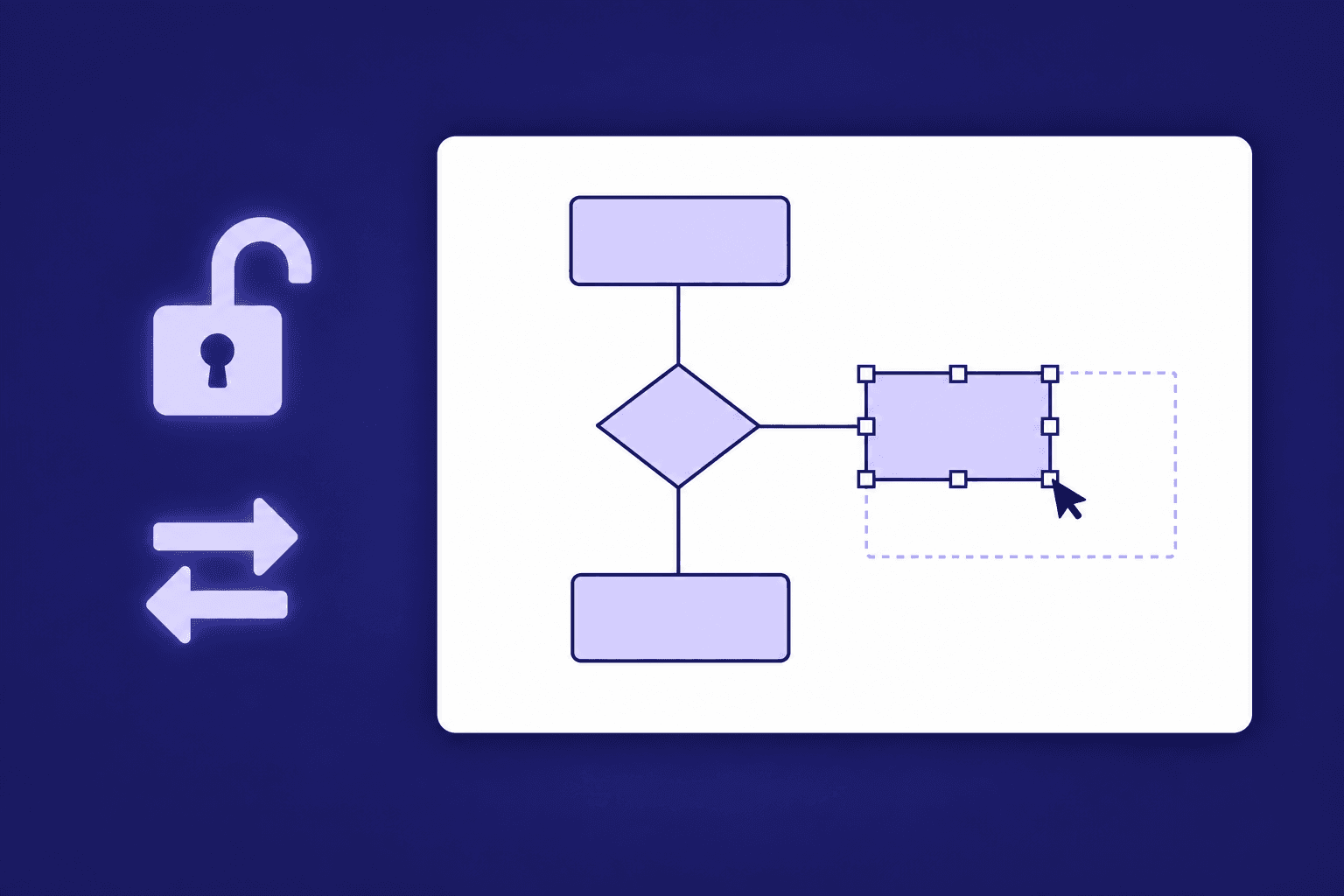
How to Resize, Change, and Unlock Shapes in Visio
Drag handles, set exact sizes, make shapes match, swap a shape for another, and fix the cases where a Visio shape refuses to resize.
Best Image to Editable Diagram Converters Compared (2026)
An honest comparison of tools that turn diagram images into editable files — what each converts, what you can edit afterwards, and what they cost.
Newsletter
Join the community
Subscribe to our newsletter for the latest news and updates