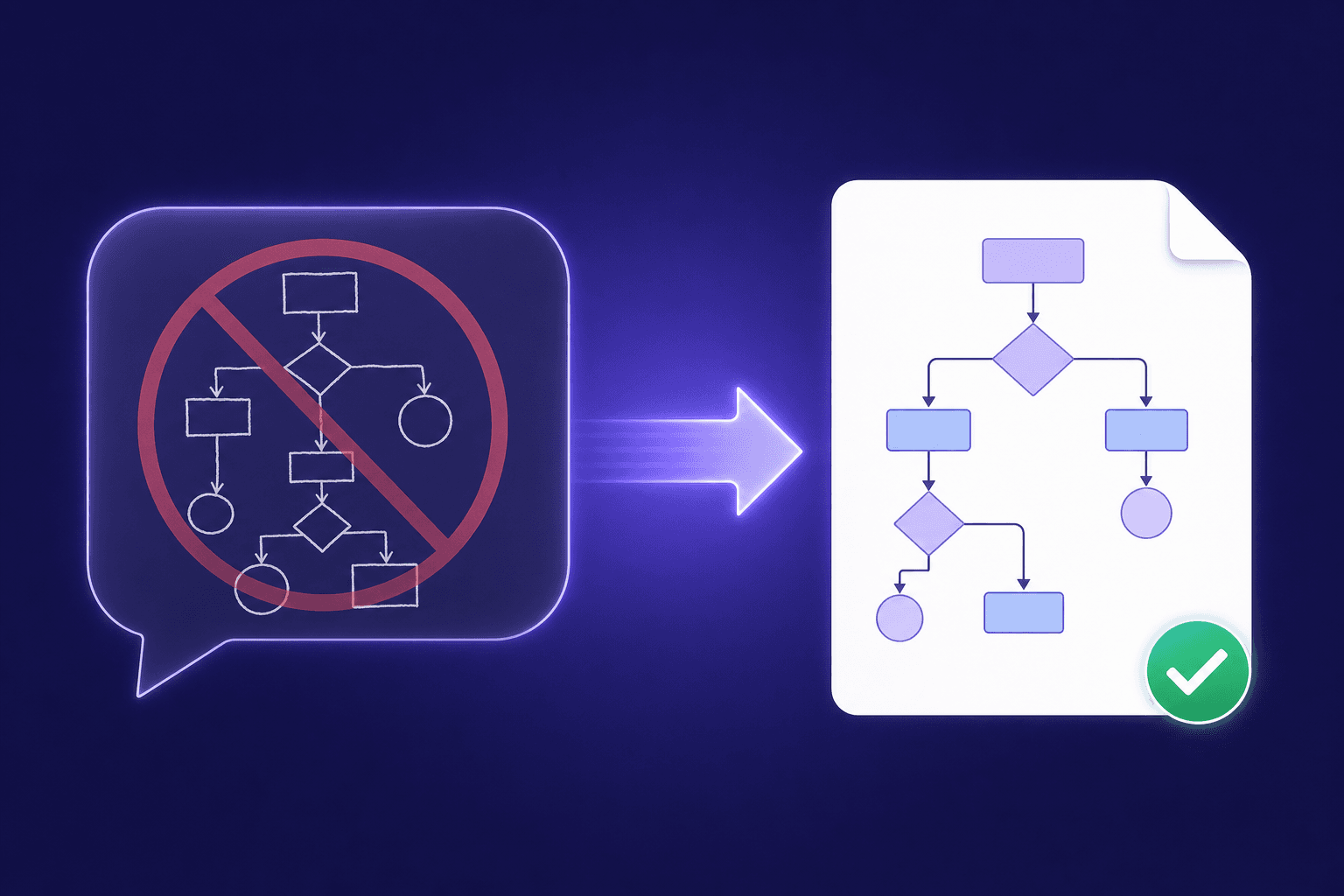
Can ChatGPT Create Visio Files? (No — Here's What Actually Works)
ChatGPT cannot output .vsdx files or turn a diagram image into an editable Visio diagram. Here's what it can do, and the fastest working alternative.
Short answer: no. ChatGPT cannot create or export Visio (.vsdx) files, and it cannot turn a picture of a flowchart into an editable Visio diagram. If that's what you came to find out, the working alternative is a dedicated converter — upload your image here and you'll get a native VSDX file back in about 30 seconds.
Here's the longer answer, including what ChatGPT is good at in this workflow.
What ChatGPT can and can't do with diagrams
It can:
- Describe a diagram you show it, often quite accurately
- Generate diagram code — Mermaid, PlantUML, or Graphviz — from a text description
- Draw a diagram as a picture (a PNG) with its image tools
It can't:
- Output a
.vsdxfile. VSDX is a zipped XML package with masters, pages, and shape geometry — chat assistants don't produce it, and anything they "export" with that extension won't open correctly in Visio. - Convert your diagram image into editable shapes. Ask ChatGPT to "make this screenshot editable" and you'll get either a rewritten picture (still pixels) or Mermaid code that approximates the structure but throws away the layout, colors, and precise positions.
Why Mermaid code isn't a real substitute
The common workaround you'll see suggested is: "Ask ChatGPT to write Mermaid from your image, then import it somewhere." It sort of works — for small, simple flowcharts. The problems:
- Visio doesn't import Mermaid. You'd end up in a different tool anyway.
- Layout is lost. Mermaid auto-lays-out; your carefully arranged diagram gets rearranged.
- Styling is lost. Colors, shapes, icons, and spacing don't survive the round trip.
- Accuracy degrades with size. Text descriptions of dense diagrams drop connections.
What actually works
A purpose-built converter that rebuilds the diagram as structured objects. LayerBack takes a PNG, JPG, or screenshot and produces a native Visio VSDX file — every box is a real shape, every arrow is a live connector glued to its shapes, every label is editable text, and the original layout and colors are preserved. The same conversion also gives you PowerPoint (PPTX), draw.io, and SVG versions at no extra cost.
The test that matters: open the result in Visio and drag a box. If the connectors follow, you have a real diagram. If the whole thing moves as one picture, you have an embedded image.
Try it on your own diagram — convert it for free, no sign-in or credit card required; you only pay to download.
FAQ
Can ChatGPT convert an image to draw.io or Lucidchart either? No. It can produce Mermaid/PlantUML code, which draw.io can import — with the layout and styling losses described above. Lucidchart has no image-to-diagram import at all; the practical route into Lucidchart is importing a VSDX file, which it supports.
Will a future Visio Copilot do this? Microsoft hasn't shipped image-to-shapes conversion in Visio as of early 2026. If it arrives, it will be welcome — until then, this is what converters are for.
Is the LayerBack output really editable? Yes — native shapes, glued connectors, editable text, in all four output formats. See how it works or the step-by-step guide.
Author

Categories
More Posts
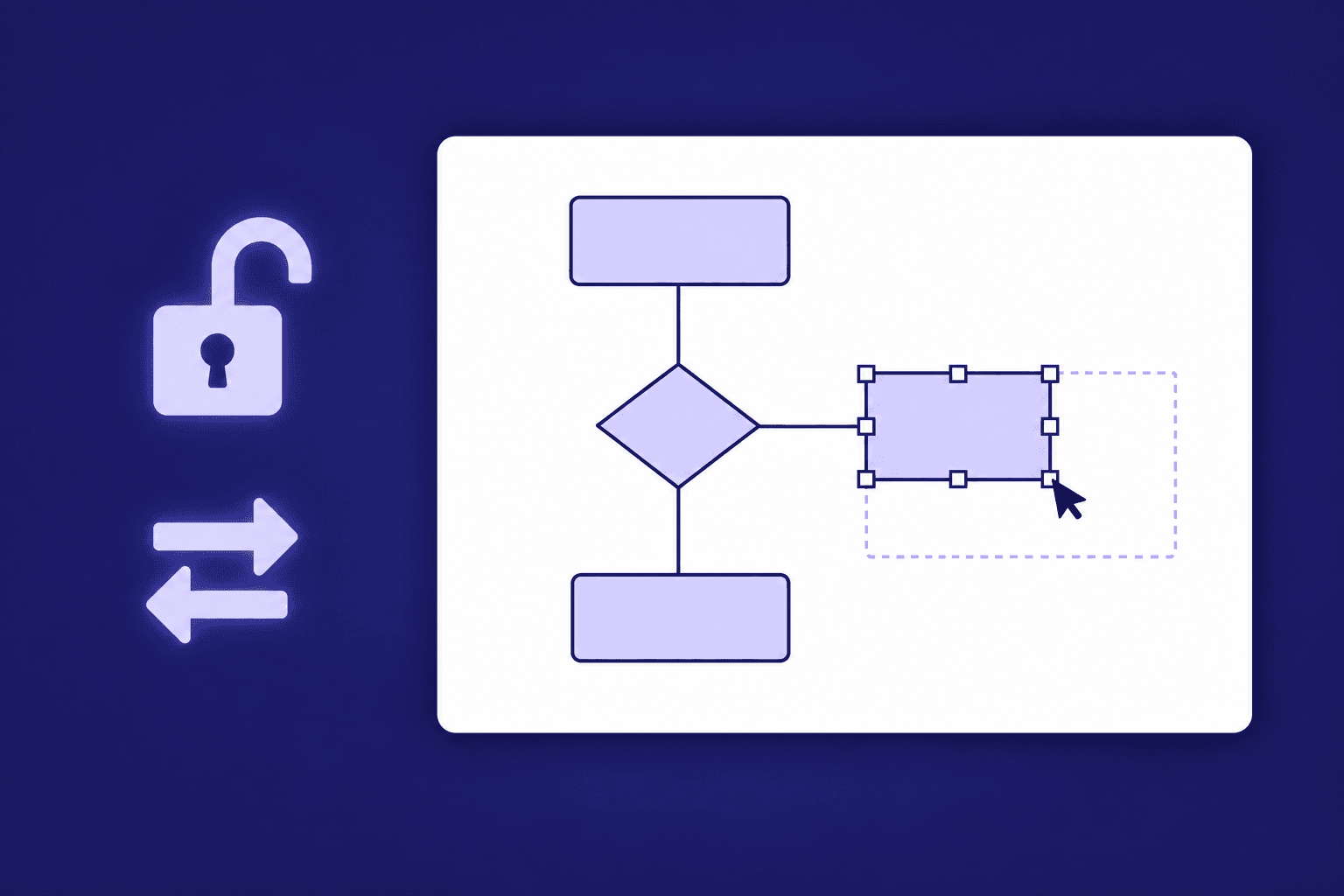
How to Resize, Change, and Unlock Shapes in Visio
Drag handles, set exact sizes, make shapes match, swap a shape for another, and fix the cases where a Visio shape refuses to resize.
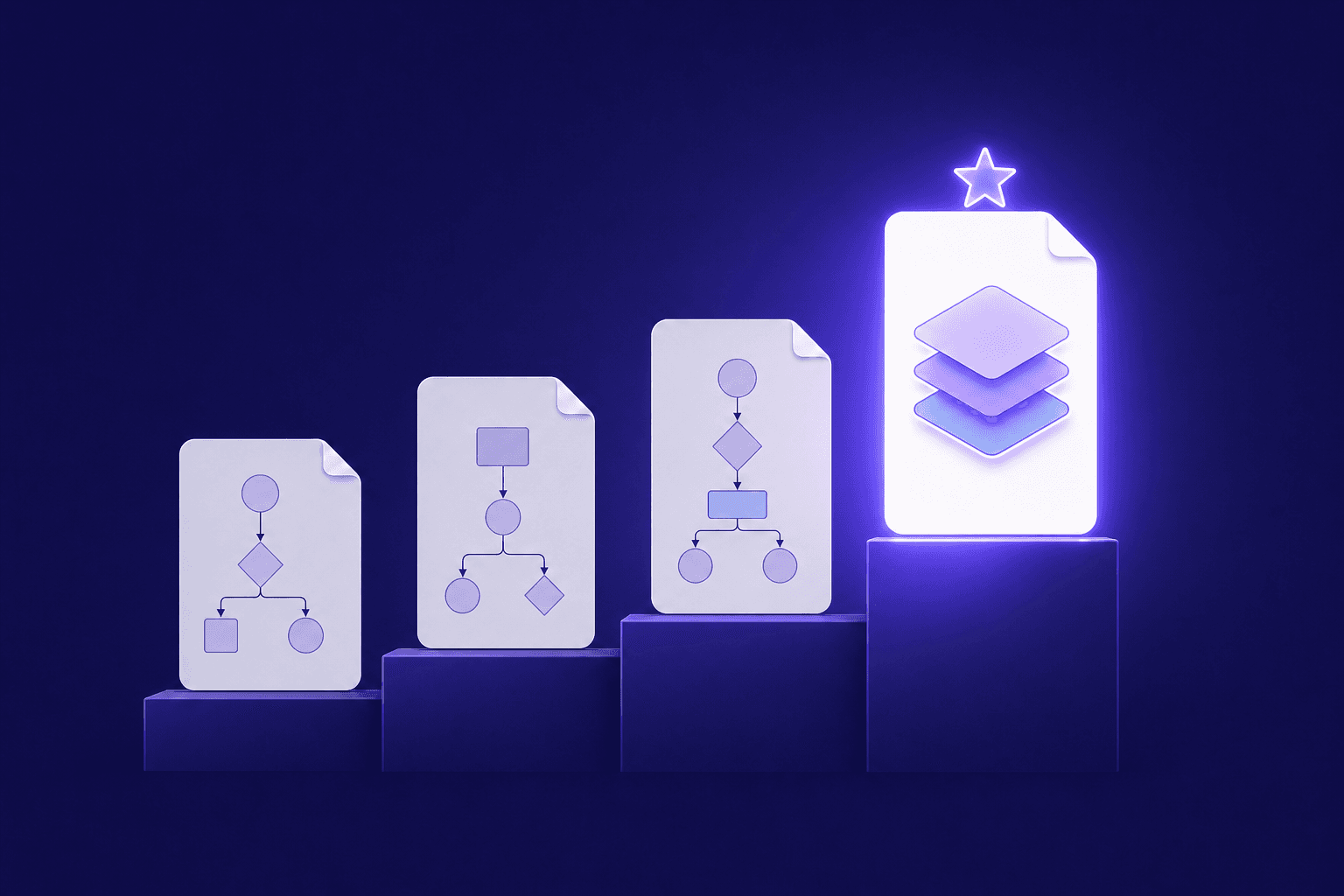
Best Image to Editable Diagram Converters Compared (2026)
An honest comparison of tools that turn diagram images into editable files — what each converts, what you can edit afterwards, and what they cost.
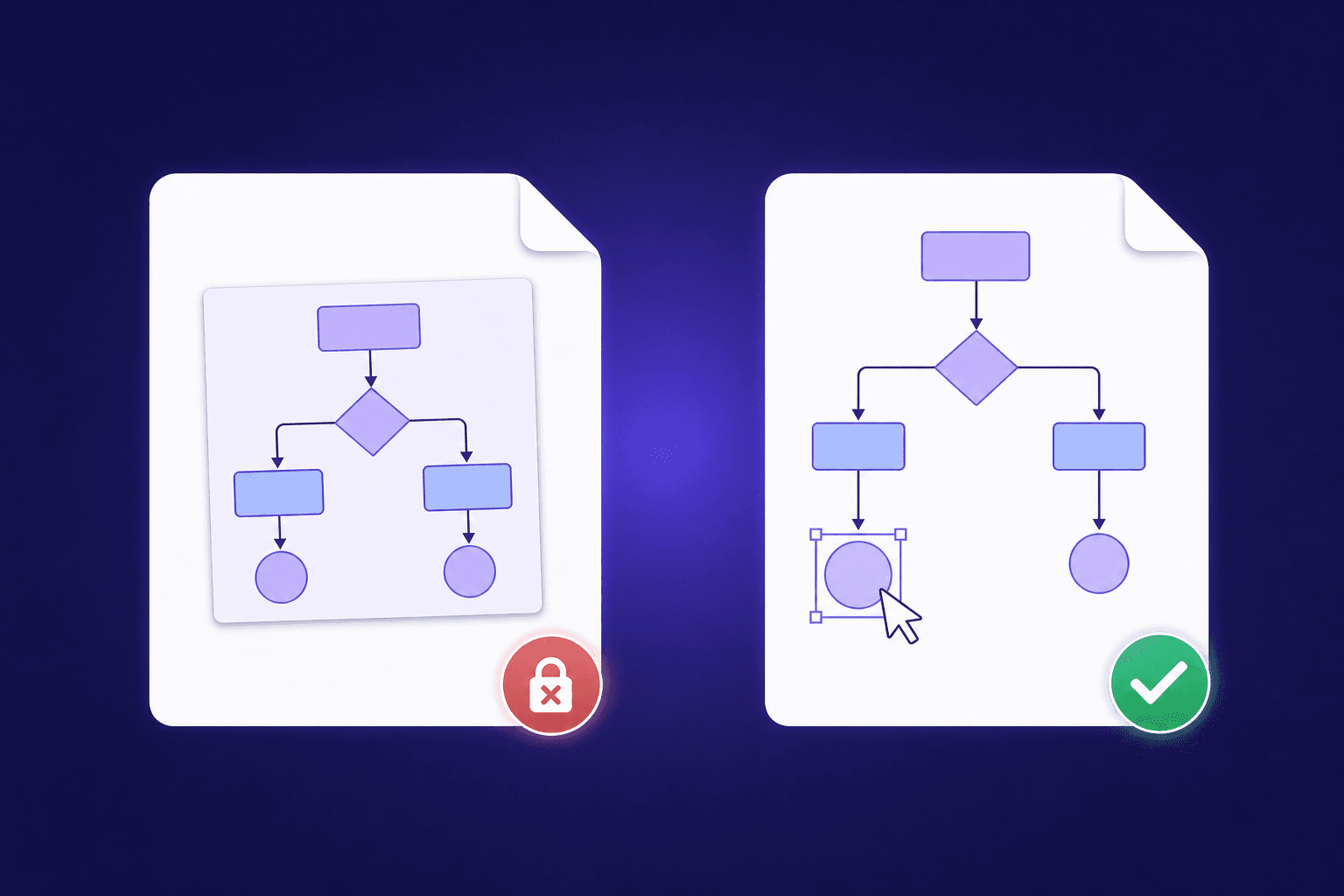
Why Most 'PNG to VSDX' Converters Don't Give You Editable Shapes
Generic file converters embed your picture inside a Visio file — they don't rebuild it. Here's how to tell the difference, and how to get truly editable shapes.
Newsletter
Join the community
Subscribe to our newsletter for the latest news and updates