
Best Image to Editable Diagram Converters Compared (2026)
An honest comparison of tools that turn diagram images into editable files — what each converts, what you can edit afterwards, and what they cost.
Plenty of tools claim to turn a diagram image into "an editable diagram." They differ wildly in what editable means, which formats you can take away, and what you pay. This is our comparison of the field as of early 2026 — and yes, we make one of these tools, so judge the claims by the criteria, not by us: what goes in, what comes out, and whether you can actually edit it.
The comparison
| Tool | Input | Output | Truly editable? | Visio (VSDX)? | Pricing |
|---|---|---|---|---|---|
| LayerBack (this site) | PNG, JPG, WebP, screenshots | VSDX + PPTX + draw.io + SVG, all from one conversion | Yes — native shapes, glued connectors, editable text | Yes | Free conversion and preview with no sign-in; 10 credits unlocks a diagram's downloads; from $10/mo billed yearly or one-time credit packs |
| ImageToDrawio | PNG, JPG, WebP | draw.io XML; separate image-to-PPT product | Yes, within draw.io / PPT | No | 1–3 free credits; $4.99 per 10 credits; Pro ~$8/mo |
| ChatFlowchart | Images, PDF | Editable canvas; exports draw.io, Mermaid, SVG, PNG | Yes, flowcharts | No | Free tier (watermarked); paid Pro |
| ImageToEditable | PNG, JPG, SVG | draw.io, Mermaid, or Excalidraw | Yes, within those editors | No | Free for basic use |
| CopySlides / image-to-PPT tools | Images, PDF | PPTX slides | Yes, as slide elements — built for slide cloning, not diagram semantics | No | From ~$9/mo |
| Generic "PNG to VSDX" converters (Aspose etc.) | Any image | .vsdx wrapper with your image embedded | No — the diagram stays a picture | File extension only | Free/upsell |
| EdrawMax | Photos (paper/whiteboard) | Editable in EdrawMax; can export Visio format | Yes, inside its desktop suite | Via export | Full suite license |
| Miro (Digitize Diagram, beta) | Hand-drawn sketches | Editable objects on a Miro board | Yes, inside Miro | No | Included in Miro plans |
Competitor details from public pages, early 2026; check their sites for current pricing.
How to choose
You need a Visio file. Only two paths produce editable VSDX: LayerBack (browser, ~30 seconds) or EdrawMax's desktop suite via its Visio export. The generic "PNG to VSDX" converters embed your picture in a Visio wrapper — the result opens in Visio but nothing in it can be edited. (Here's the 10-second test.)
You need PowerPoint shapes. Slide-cloning tools like CopySlides rebuild slides well (text boxes, layout blocks). For diagrams — where arrows must stay glued to boxes — you want a converter with a real connector model. LayerBack's PPTX output keeps connectors bound to shapes; it's included in every conversion.
You live in draw.io. ImageToDrawio and ImageToEditable are solid dedicated options. LayerBack also outputs draw.io XML — the difference is you get VSDX, PPTX, and SVG from the same upload instead of choosing one format per tool.
Your diagram is on a whiteboard or paper. Miro's beta digitizer works if your team is already in Miro (results stay on the board). EdrawMax and LayerBack both accept photos; LayerBack gives you the files to take anywhere.
You just want it free. Almost everything here has a free tier. LayerBack converts and previews for free with no sign-in, and the first download of a diagram uses 10 credits (all four formats included); ImageToEditable is free for basic drawio/Mermaid output; ChatFlowchart's free tier watermarks PNG exports.
The one-question shortcut
Ask of any tool: "After converting, can I drag one box and watch its arrows follow?" That single test separates real reconstruction from embedded pictures and traced paths — and it's the difference between finishing your edit in two minutes and redrawing the whole thing.
Run the test on your own diagram — converting and previewing are free, no sign-in needed.
More Posts
How to Resize, Change, and Unlock Shapes in Visio
Drag handles, set exact sizes, make shapes match, swap a shape for another, and fix the cases where a Visio shape refuses to resize.


Can ChatGPT Create Visio Files? (No — Here's What Actually Works)
ChatGPT cannot output .vsdx files or turn a diagram image into an editable Visio diagram. Here's what it can do, and the fastest working alternative.
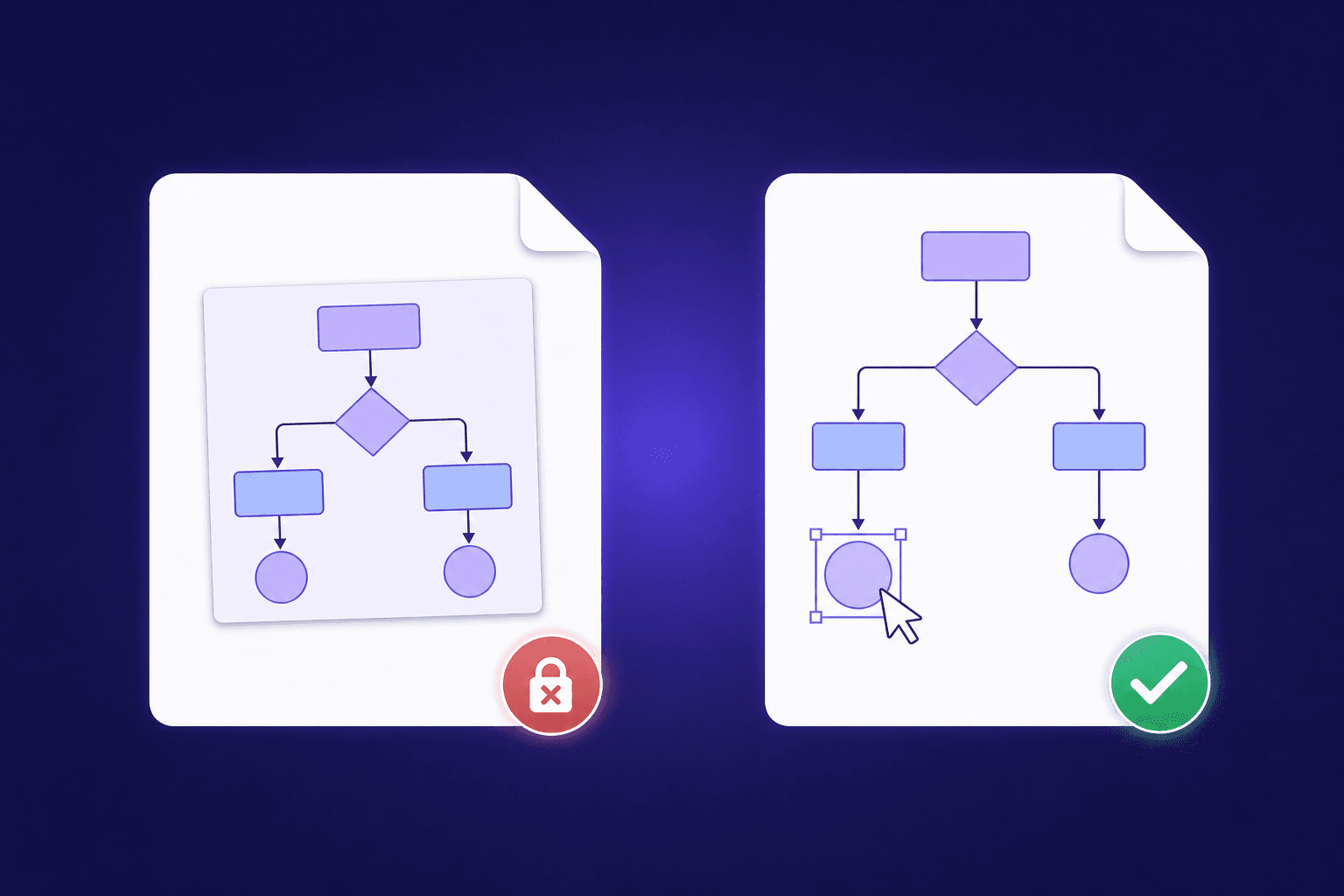
Why Most 'PNG to VSDX' Converters Don't Give You Editable Shapes
Generic file converters embed your picture inside a Visio file — they don't rebuild it. Here's how to tell the difference, and how to get truly editable shapes.
Newsletter
Join the community
Subscribe to our newsletter for the latest news and updates