Network Diagram Image to Visio Converter
Turn a network topology screenshot into an editable Visio (VSDX) file — devices, links, and labels become real objects you can rearrange.
Drop a diagram image here, click to browse, or paste from clipboard
No sign-in needed — the preview is free. Downloads use 10 credits.
A real conversion, not an image inside a file
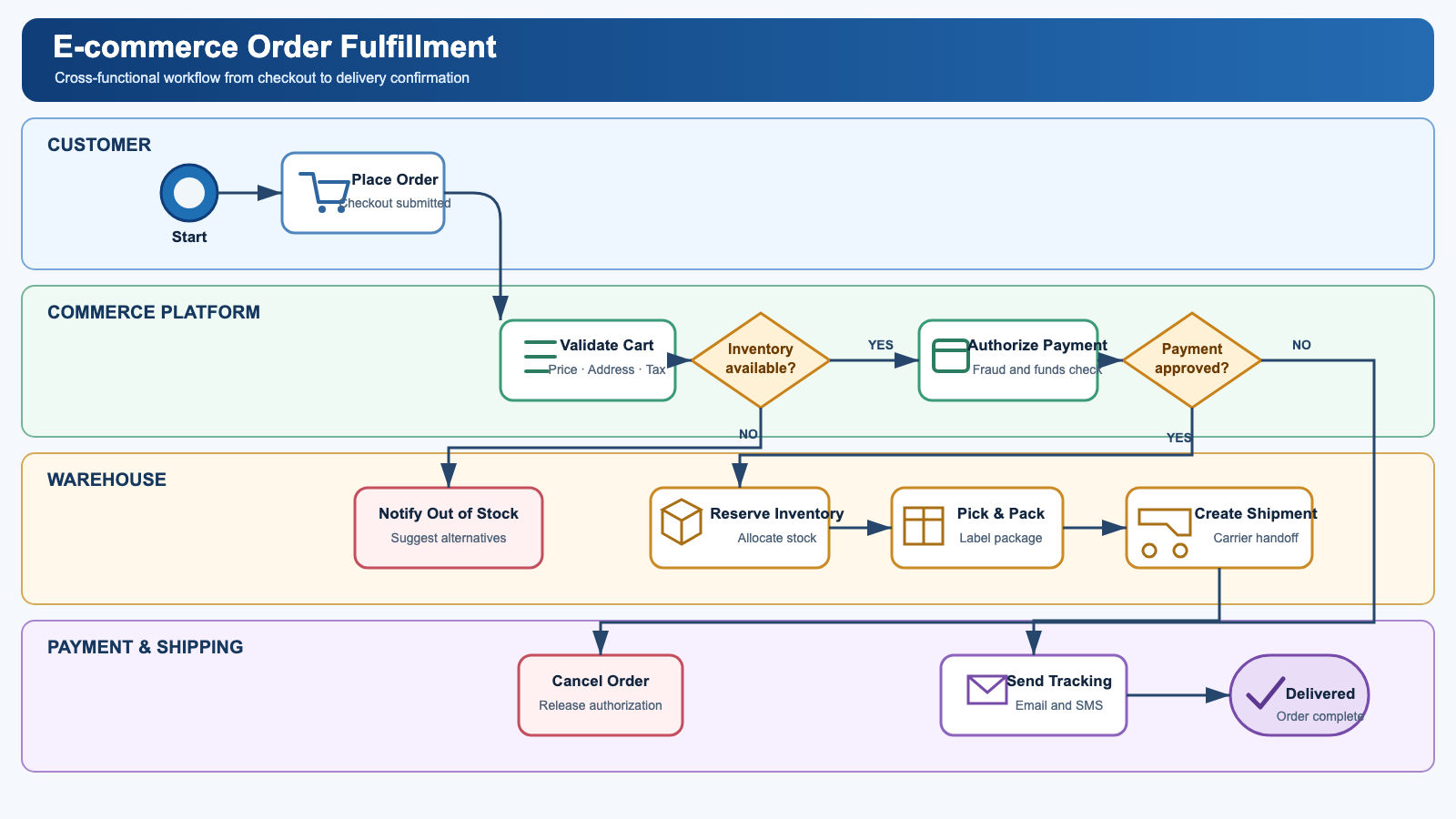
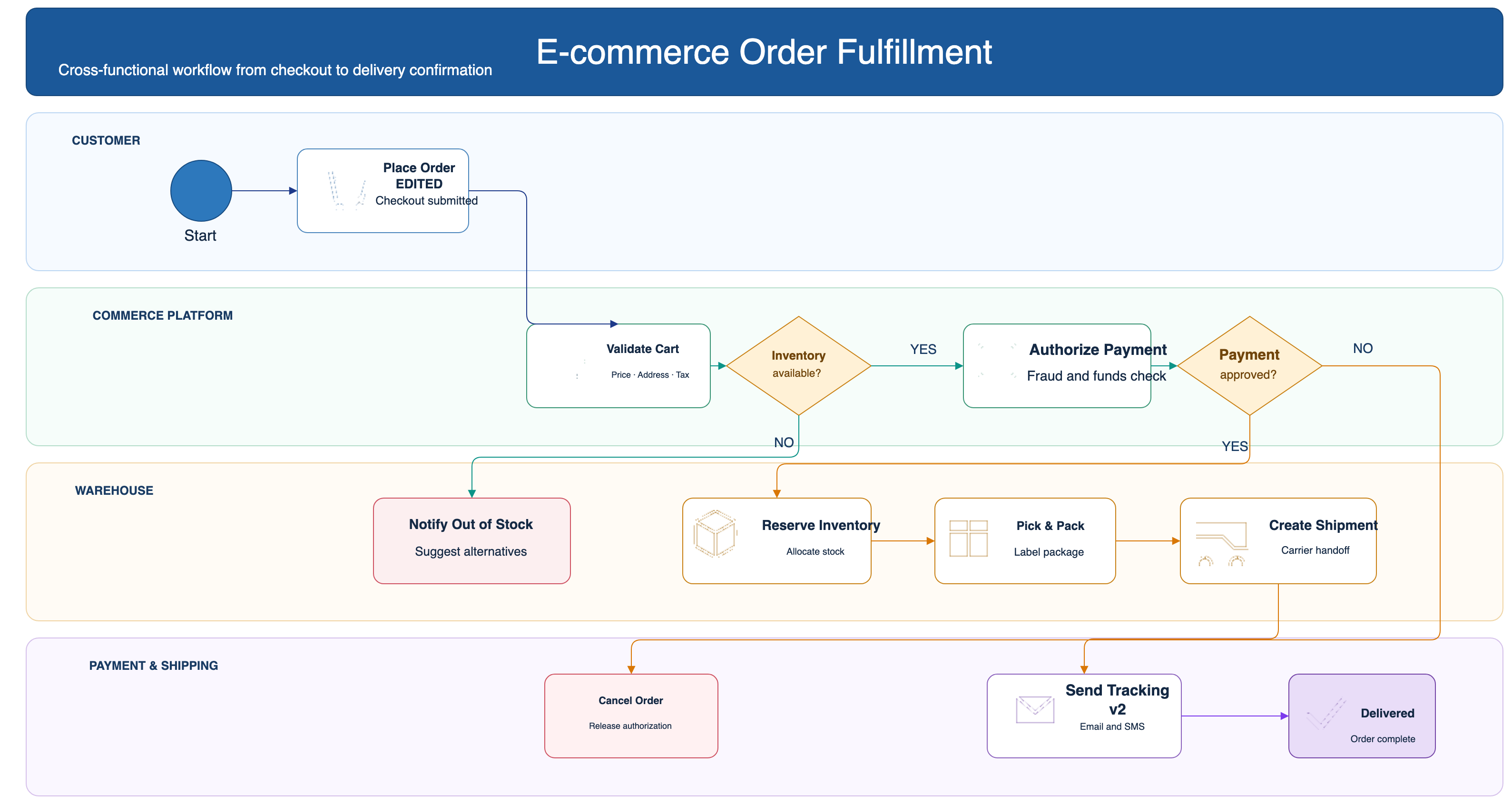
How it works
Upload your source
Choose a PNG, JPG, WebP, or PDF page. Screenshots and photos work too.
AI rebuilds the diagram
LayerBack recognizes every shape, connector, and label, then recreates them as real objects.
Download or edit online
Get Visio, PowerPoint, draw.io, and SVG together, or make final adjustments in the built-in editor.
Frequently asked questions
Is it actually possible to get editable Visio shapes from an image?
Yes. Generic "PNG to VSDX" converters only embed your picture inside a Visio file, which is why the result is not editable. LayerBack rebuilds every shape, connector, and label as a native Visio object instead of embedding the image — so the VSDX you download behaves like a diagram drawn in Visio.
Is it free?
Converting and previewing are free and need no account. The first download or edit of a diagram asks you to sign in and uses 10 credits, which unlocks every format and edit of that diagram. Failed conversions never cost anything.
Is the output really editable?
Yes. Shapes are native objects, connectors have real endpoints bound to shapes, and text is regular text — open the VSDX file and change anything.
What files can I upload?
PNG, JPEG, and WebP images up to 20 MB, or a PDF — pick the page with the diagram and it is rendered in your browser before upload. Screenshots work great.
How long does a conversion take?
Usually 30–60 seconds. AI reads the diagram and rebuilds it as a native, structured file.
What else do I get with the conversion?
Every conversion also produces the other formats (VSDX, PPTX, draw.io XML, SVG) at no extra cost, and you can fine-tune the result in the built-in online editor before downloading.