LogoLayerBack
  • 转换
  • 功能
  • 价格
  • 文档
  • 博客
LogoLayerBack

使用 LayerBack 在几天内轻松构建您的 AI SaaS

产品
  • 开始转换
  • 免费工具
  • 功能
  • 价格
  • 常见问题
资源
  • 博客
  • 文档
  • 更新日志
公司
  • 关于我们
  • 联系我们
法律
  • Cookie政策
  • 隐私政策
  • 服务条款
© 2026 LayerBack. All Rights Reserved.

Free JPG to draw.io Converter

Turn a JPG photo or export of a diagram into an editable draw.io diagram — every shape, connector, and label becomes a real, editable object.

把图表图片拖到这里,点击选择,或直接粘贴

PNG / JPEG / WebP,最大 20 MB

Native shapes and text — every element stays editable
Connectors bind to shapes and follow them when you drag
One conversion includes VSDX, PPTX, draw.io, and SVG — not just draw.io

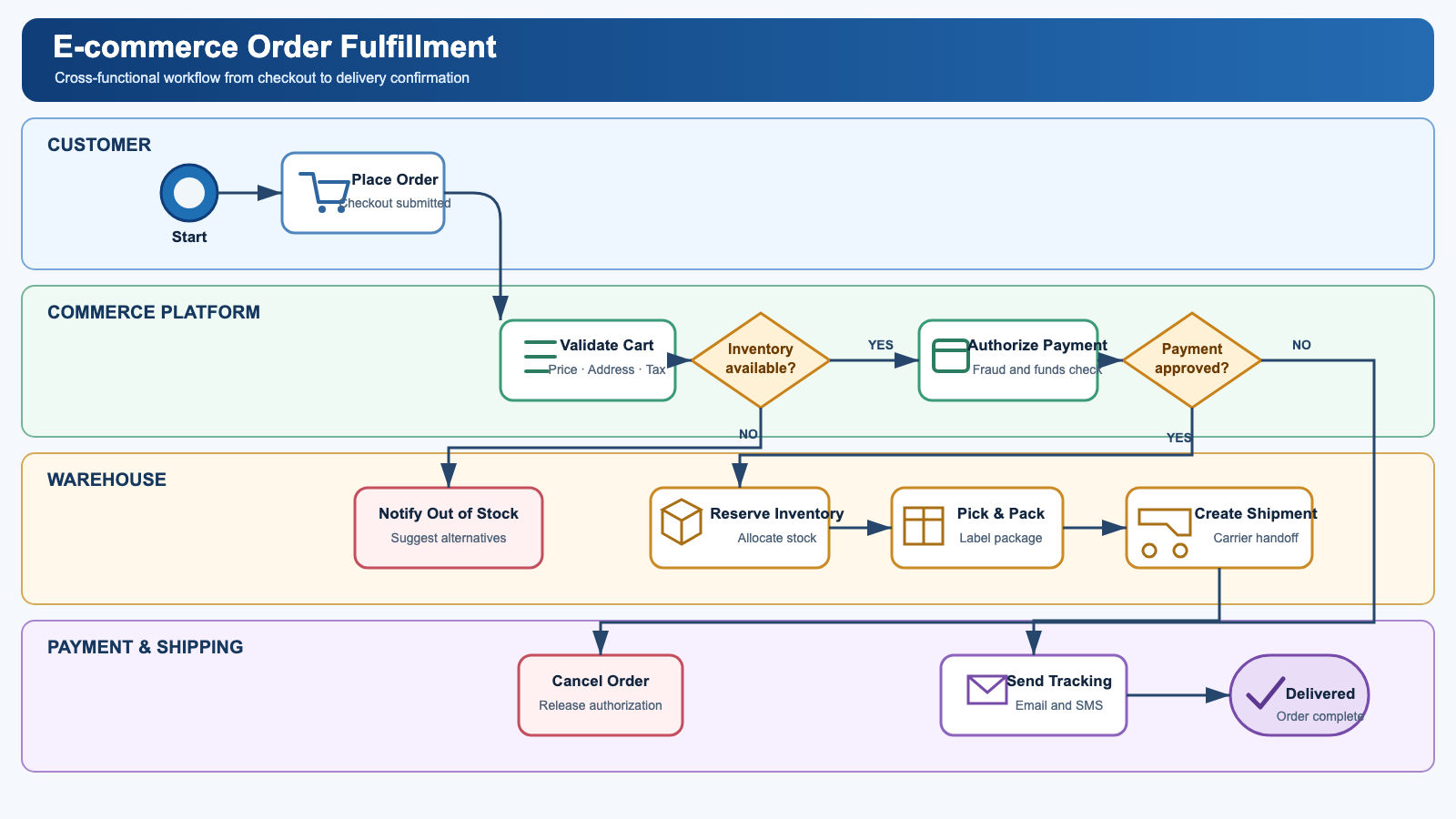
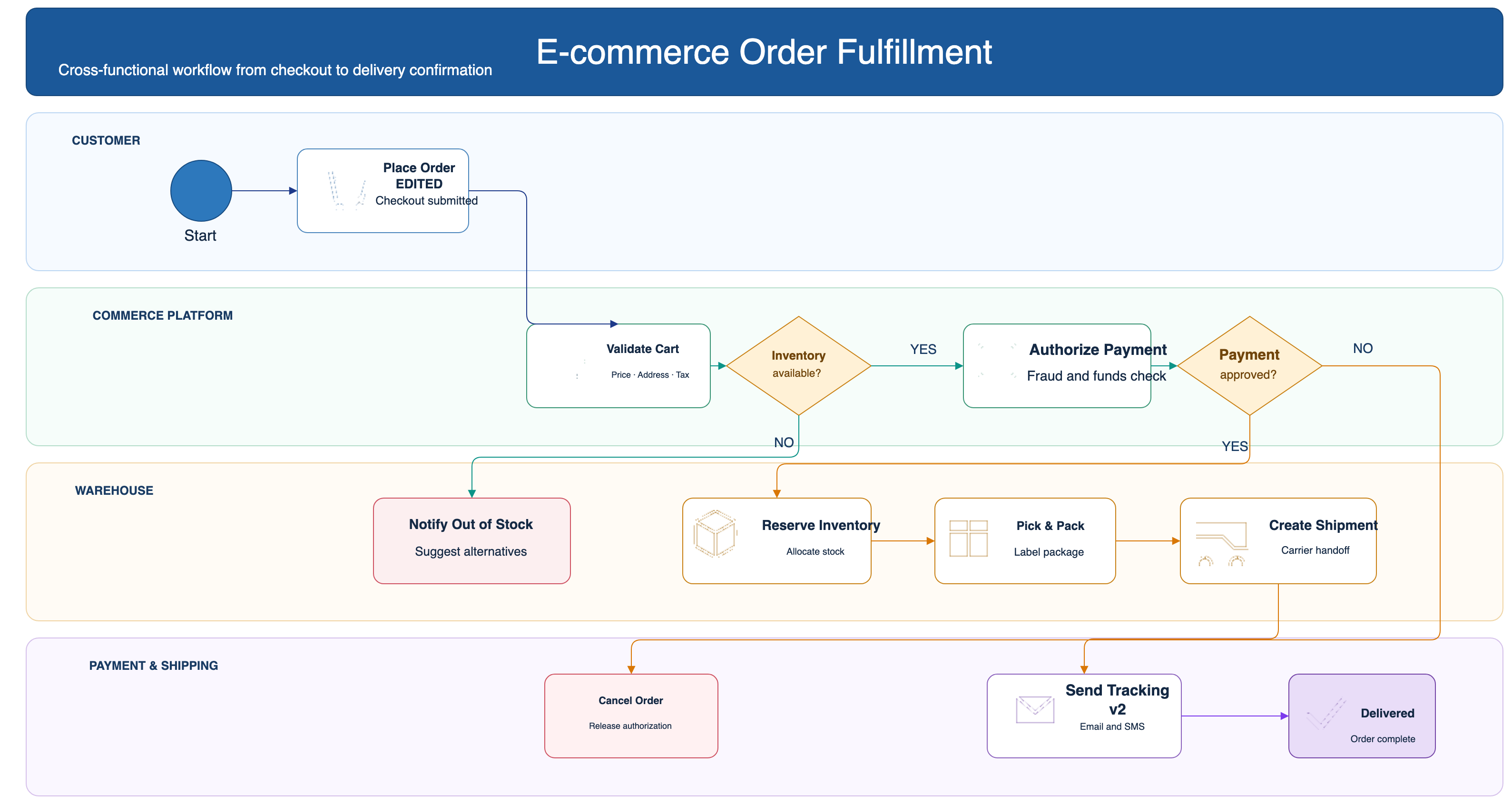
Before / after: real conversion, not a screenshot in a box

Original diagram image
Input: a flat image
Converted, fully editable draw.io file
Output: native shapes, live connectors, editable text (draw.io)

Frequently asked questions

Is it free?

Your first 2 conversions are free — every new account starts with 20 credits and a conversion costs 10. No credit card required.

Is the output really editable?

Yes. Shapes are native objects, connectors have real endpoints bound to shapes, and text is regular text — open the draw.io file and change anything.

What image formats can I upload?

PNG, JPEG, and WebP up to 20 MB. Screenshots work great.

How long does a conversion take?

Usually 30–60 seconds. AI reads the diagram and rebuilds it as a native, structured file.

What else do I get with the conversion?

Every conversion also produces the other formats (VSDX, PPTX, draw.io XML, SVG) at no extra cost, and you can fine-tune the result in the built-in online editor before downloading.